

TurboCAD Training Term License (1 Year/Annual)

Product Info
This consolidated package includes the Introduction to TurboCAD guide, the 2D/3D Training Guides for Deluxe and Professional, plus the dedicated 2D and 3D Training Guides for Platinum. Each guide is organized to help users quickly find the right learning path, from first-time orientation through advanced drafting, modeling, visualization, and rendering workflows. 2D Drafting Mastery
Advanced Dimensioning & Annotation
Seamless 2D-to-3D Transition
Comprehensive 3D Workspace & Visualization
Architectural Design Tools
Precision Object Modification & Assembly
Professional Rendering & Visualization
Complete TurboCAD Interface Training
Step-by-Step Illustrated Tutorials
In-Depth Hands-On Work Sessions
Structured Learning for All Skill Levels
Key Features
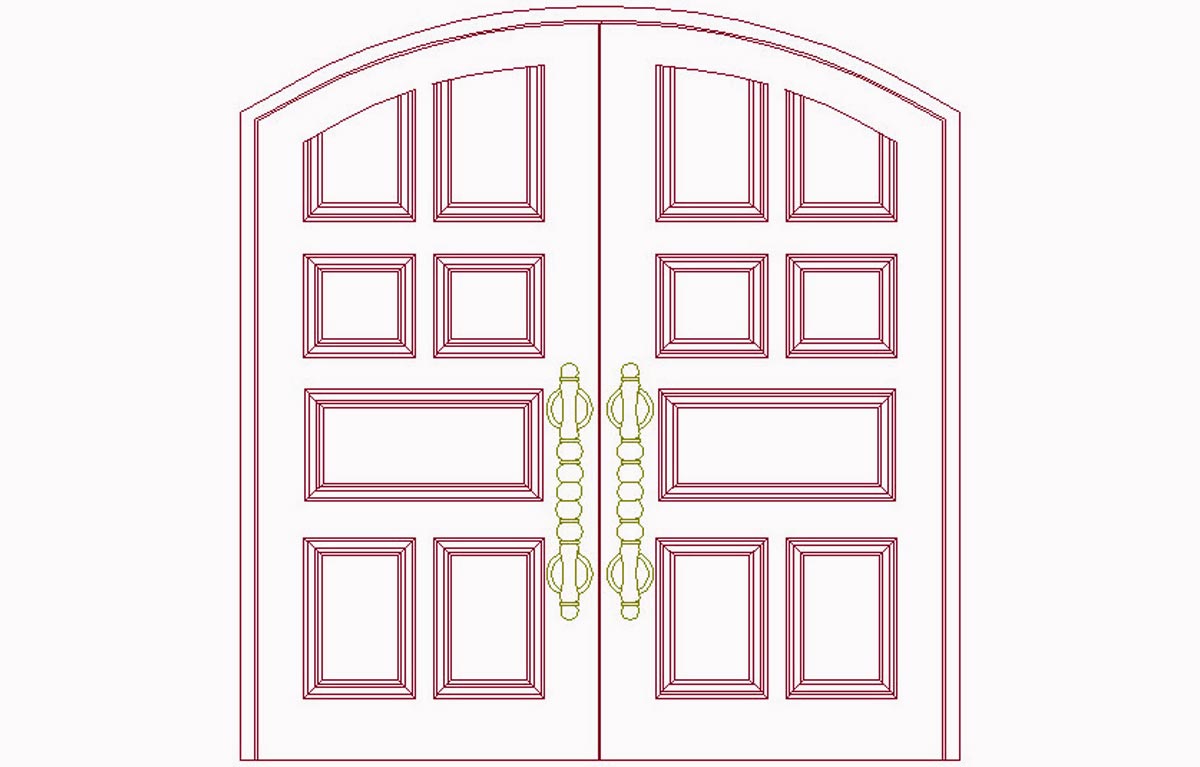
2D Drafting, Dimensioning and Annotation
Learn the essential 2D drafting workflow, from lines, concentric circles, geometric aids, and modification tools to precise dimensions, leader arrows, hatch patterns, and formatted objects for clean, accurate technical drawings.
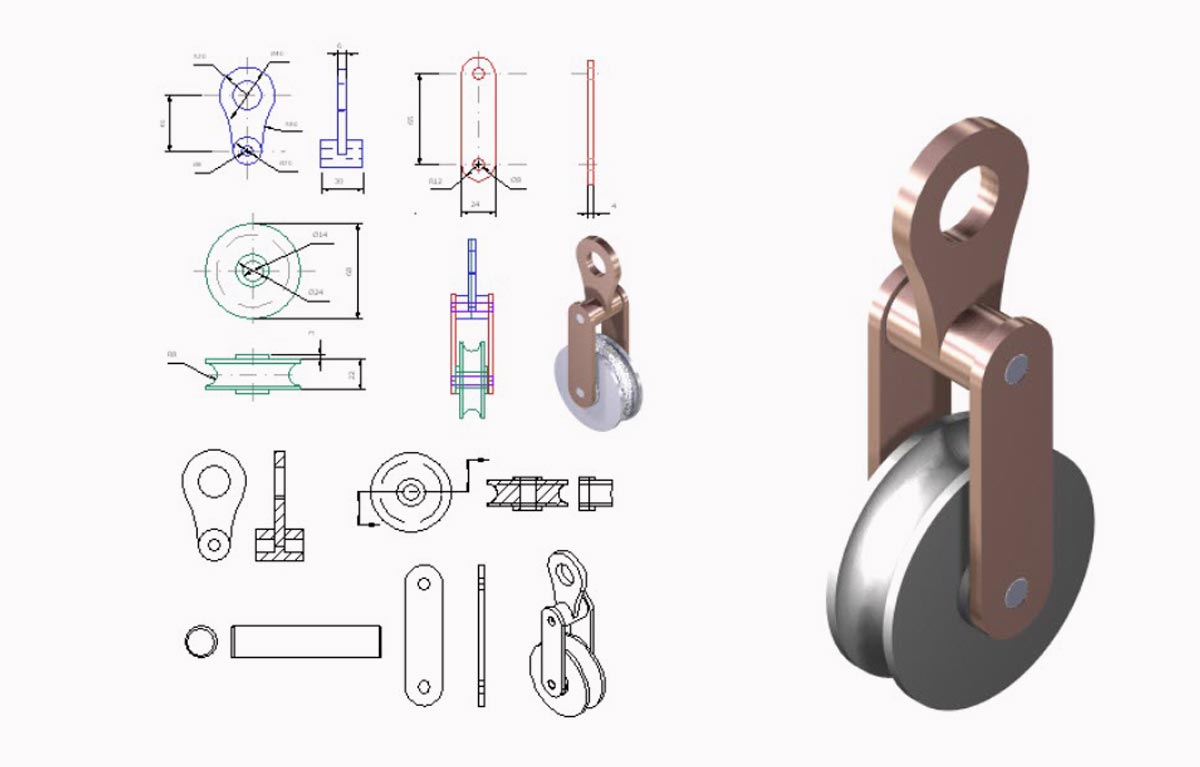
2D to 3D Modeling Workflow
Move from 2D sketches into fully developed 3D models using Blocks, Workplanes, extrusions, lofting, revolving, imprinting, and mesh modeling, while learning the 3D workspace, palettes, views, and design environment setup.
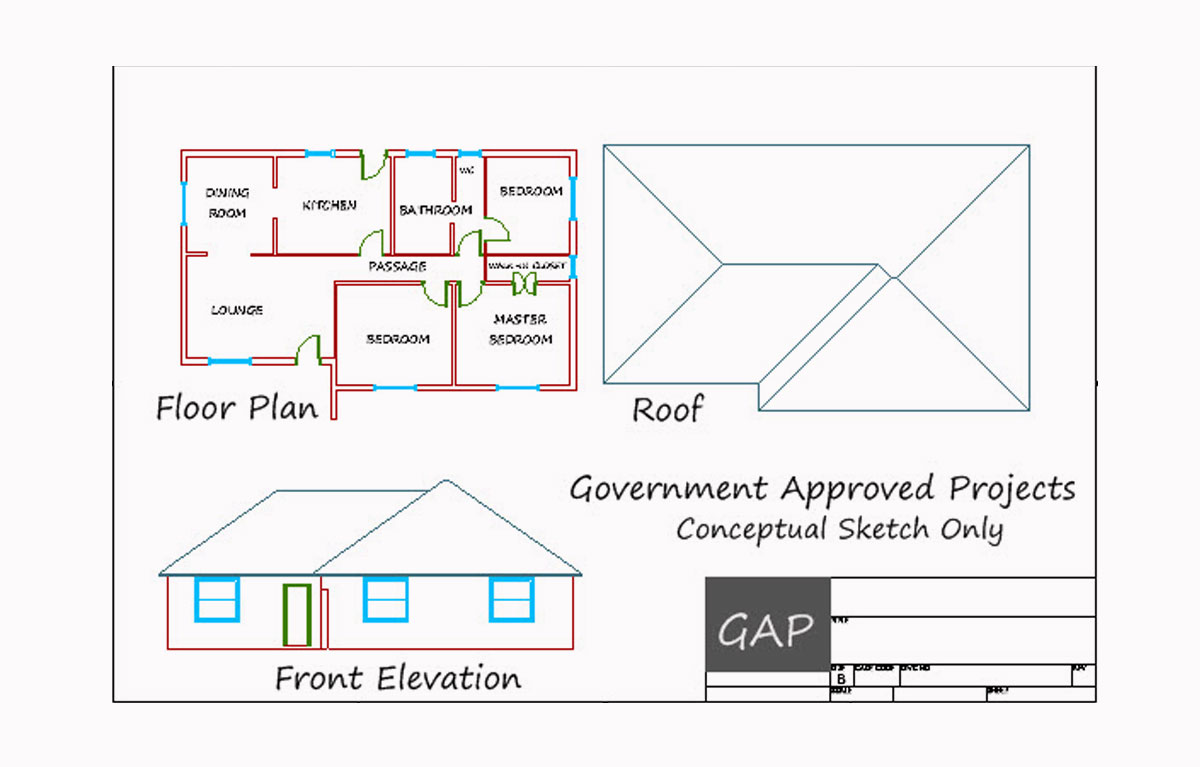
Architectural Design Workflows
Use specialized tools for walls, doors, windows, roofs, and terrain, then extend the workflow into interiors, exteriors, dynamic assemblies, spatial layouts, and visualization-ready models.
Guided Learning for All Skill Levels
Follow structured, video-supported tutorials with printable templates and downloadable sample files, suitable for beginners, hobbyists, and professionals progressing from foundational 2D drafting to advanced 3D modeling.
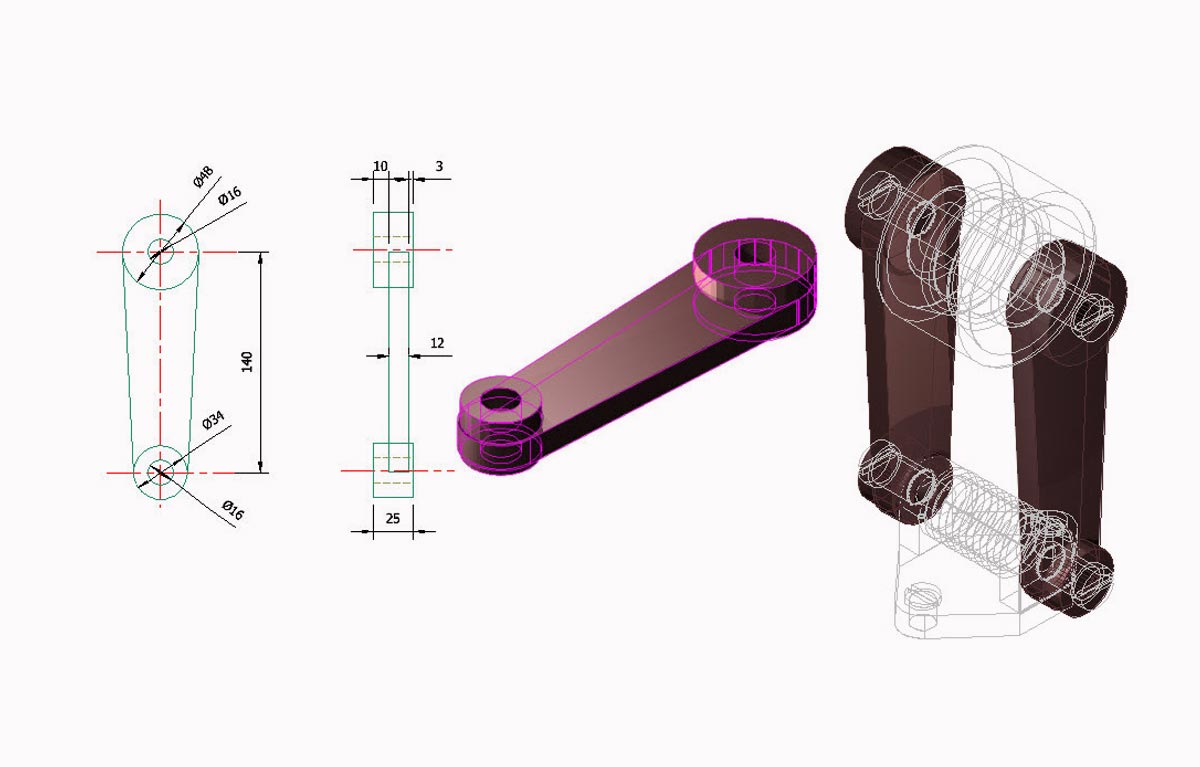
Precision Object Modification and Assembly
Refine complex parts with Boolean operations, facet editing, chamfering, shell solids, parametric updates, and component assembly methods for efficient 2D layouts and 3D models.
Visualization, Display and Professional Rendering
Review and present designs with hiding and isolating tools, dynamic cut planes, optimized viewing modes, materials, textures, lighting effects, camera setups, and rendering modes for high-quality visualizations.
System Requirements
- Operating System: Windows® 11, 10, 8, 7
- Processor: Pentium or newer
- Memory (RAM): At least 256 MB
- Storage: Minimum 2 MB of free hard disk space
- Input Devices: Mouse with a scroll wheel recommended
- Display: Super VGA monitor with a resolution of 1024 x 768 pixels or higher
- Color Depth: Supports at least 32-bit color for better graphics quality
- Internet Browser: Compatible with Chrome, Firefox, Microsoft Edge, or Safari
- Additional Software:
- A PDF reader is necessary to view or print example drawings
- A 3D graphics accelerator card is recommended for better performance
Introduction to TurboCAD
- TurboCAD® Platinum, TurboCAD® Professional, or TurboCAD® Deluxe Version 20 or newer required to open task/example drawings
2D/3D Training Guide Deluxe
- TurboCAD® Platinum, TurboCAD® Professional, or TurboCAD® Deluxe Version 20 or newer required to open task/example drawings
2D/3D Training Guide Professional
- TurboCAD® Professional or TurboCAD® Platinum Version 20 or newer required to open task/example drawings
- Most drawings open in TurboCAD® Deluxe without losing any functionality
2D Training Guide Platinum
- TurboCAD® Platinum Version 20 or newer required to open task/example drawings
- Most drawings open in TurboCAD® 2D/3D without losing any functionality
3D Training Guide Platinum
- TurboCAD® Platinum Version 20 or newer required to open task/example drawings
- Most drawings open in TurboCAD® Professional without losing any functionality