

Training Materials
Speed Up the Learning Process with Training Materials for DesignCAD™, TurboCAD®.

TurboCAD Training Term License (1 Year/Annual)
Array
$99.99

Product Info
This consolidated package includes the Introduction to TurboCAD guide, the 2D/3D Training Guides for Deluxe and Professional, plus the dedicated 2D and 3D Training Guides for Platinum. Each guide is organized to help users quickly find the right learning path, from first-time orientation through advanced drafting, modeling, visualization, and rendering workflows.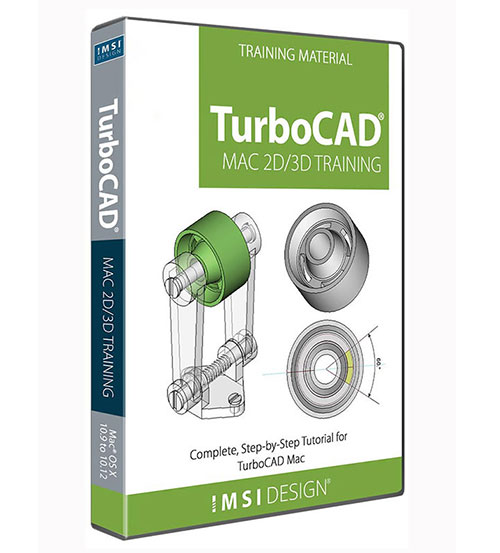
TurboCAD Mac 2D/3D Training Guides
Array
$99.99
Product Info
Complete, Step-by-Step Tutorials for TurboCAD MacThis Guide is presented in a Tutorial format, allowing the user to follow the step-by-step instructions from concept to completion. This Guide is structured in a Tutorial Session and Task format and each session contains both a 2D Sketch and a 3D Model of the same design.
TurboCAD Mac Tips, Tutorials and Techniques
Array
$49.99
Product Info
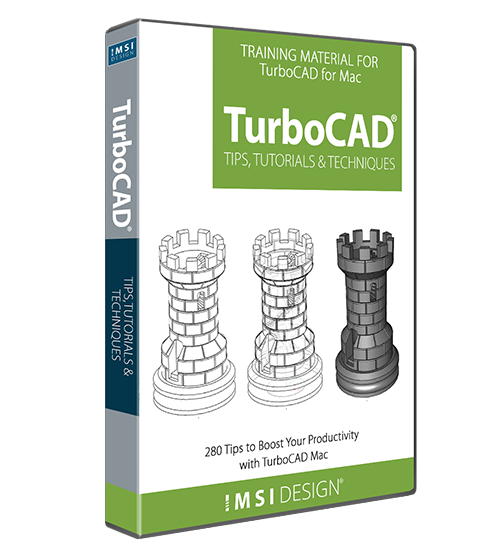
Time Saving eBook for Beginners and Advanced Users
With over 280 fully illustrated tips, TurboCAD Mac Tips, Tutorials, and Techniques is the go to eBook for quickly answering the most frequently asked questions about TurboCAD Mac. Whether you are new to computer-aided design, or an experienced CAD user, this valuable training provides insights into the program so you can do more in less time.
TurboCAD Mac Printing Essentials
Array
$29.99
Product Info
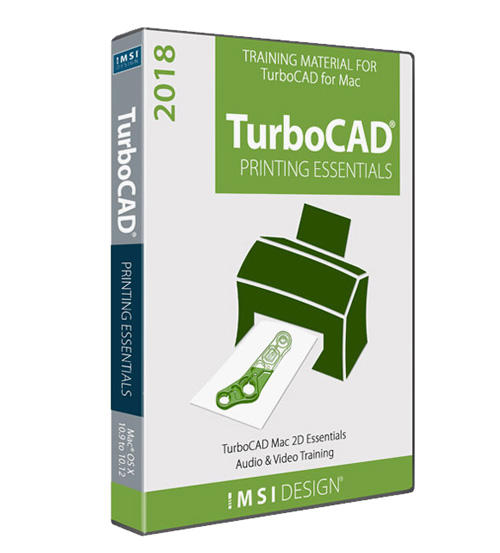
Learn Important Printing TechniquesTurboCAD Mac Printing Essentials is a valuable training that teaches best practices when printing a CAD file designed in TurboCAD Mac. Learn the importance of the layer function, model to sheet, drawing views, creating and saving a template, dimensioning for printing and various print operations.
2D Computer Aided Design with DesignCAD
Array
$49.99
Product Info
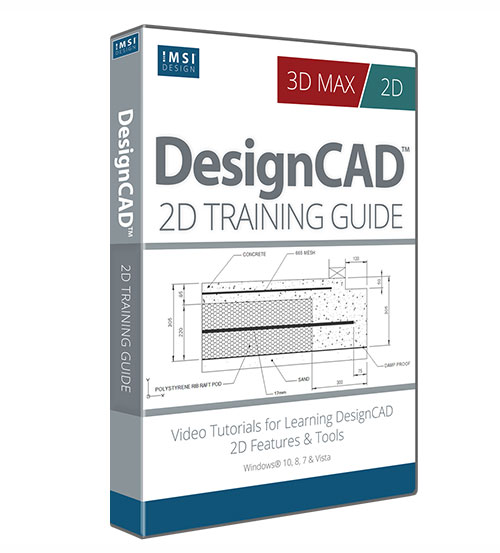
Essential Tutorial Program for Learning DesignCAD2D Computer Aided Design with DesignCAD offers important training and techniques to help you get the most out of your DesignCAD software. Through fully illustrated lessons with video demonstrations, you’ll quickly become familiar with the DesignCAD drawing environment and essential 2D features and tools.
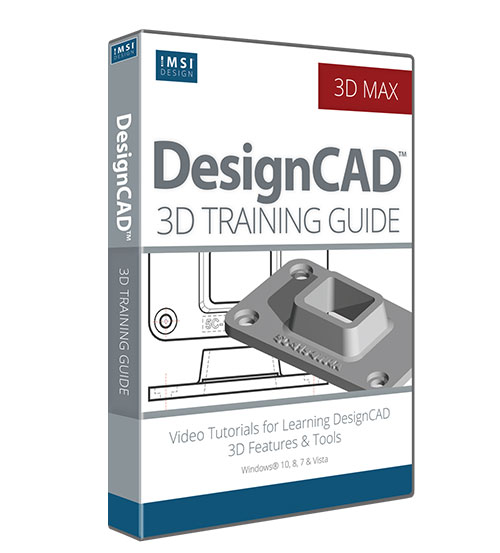
3D Computer-Aided Design in DesignCAD
Array
$49.99
Product Info
Tutorials for Learning DesignCAD 3D Features and Tools3D Computer Aided Design with DesignCAD picks up where the 2D training leaves off to help users of DesignCAD 3D Max learn to design in 3D. Through 6 fully illustrated lessons, complete with video demonstrations of tools, you’ll quickly become familiar with the DesignCAD 3D tools and features.